
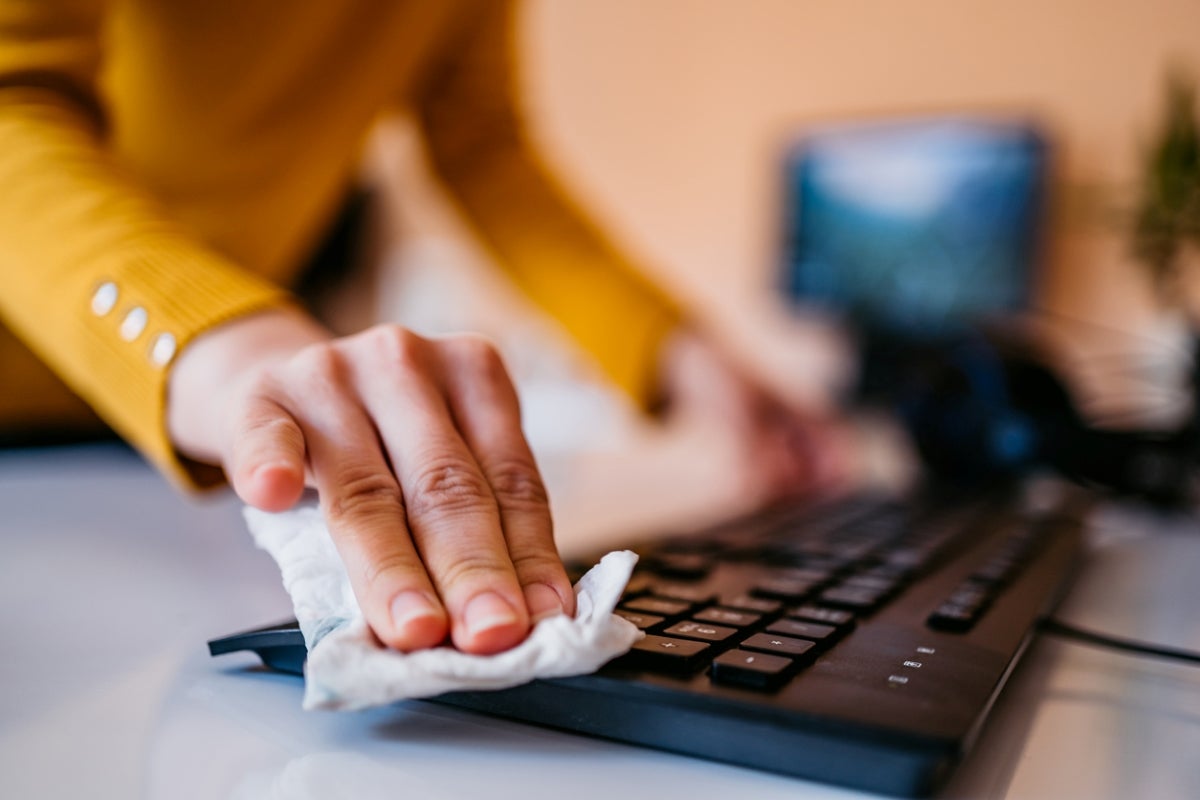
How to clean Keyboard ?
0 Comments | 01/07/2023 | 03:51 PM | 10 | 1 minute read
1. MANUAL CLEANING
Before we get into the specifics of how to clean a computer keyboard, it is important to understand the different ways in which you can clean it. The first and most basic way to clean your keyboard is manually. Start by turning the keyboard upside down to shake it, making sure to unplug it and clean out the USB port if it’s wired. If you own a wireless external keyword, take the batteries out before cleaning. And if you own a mechanical keyboard, you can clean the area underneath individual keys by removing the keycaps. Once you shake everything out, you can get into the deep clean. Use a microfiber cloth, disinfectant wipes, isopropyl alcohol, or a cleaning slime to wipe away any dirt or debris.
2. USE COMPRESSED AIR
Want to thoroughly clean your keyboard? Use compressed air. It allows you to blow out dirt and dust particles from your keyboard as well as any particles lodged in between the keys. Be sure to hold the compressed air can upright and away from your body, and aim it at the keyboard while depressing the nozzle. This will create a strong stream of air that will help dislodge any unwanted particles.
3. USE A DUST VACUUM
The third way to clean your keyboard is to use a dust vacuum, which is the most efficient approach. You can either buy a dust vacuum specifically made for keyboards or use your vacuum cleaner's hose attachment. Only use the hose attachment on the lowest setting to avoid damaging your keyboard.

HP
No Comments found for this post !
You may also like
No popular post found !

How to clean a laptop keyboard?
0 Comments 01/07/2023 10It’s slightly more complicated to clean a laptop...
How to clean Monitors?
0 Comments 01/07/2023 15Cosmetic damage on the casing is one thing, but if...
Peripheral Maintenance and Tips
0 Comments 01/07/2023 9In this article, we'll provide maintenance tips an...

The Essential Guide to Keyboards
0 Comments 01/07/2023 153Keyboards are the primary input devices for most c...
Mastering the Art of Mice
0 Comments 01/07/2023 77A reliable and comfortable mouse can significantly...




















Leave a comment