
How to clean a laptop keyboard?
0 Comments | 01/07/2023 | 03:53 PM | 10 | 1 minute readIt’s slightly more complicated to clean a laptop keyboard compared to a wired or wireless desktop keyboard because it’s connected directly to your laptop. And if you’re too aggressive with your cleaning, you can damage the device. Here’s how to do it properly.
1. SHUTDOWN THE LAPTOP AND SHAKE GENTLY
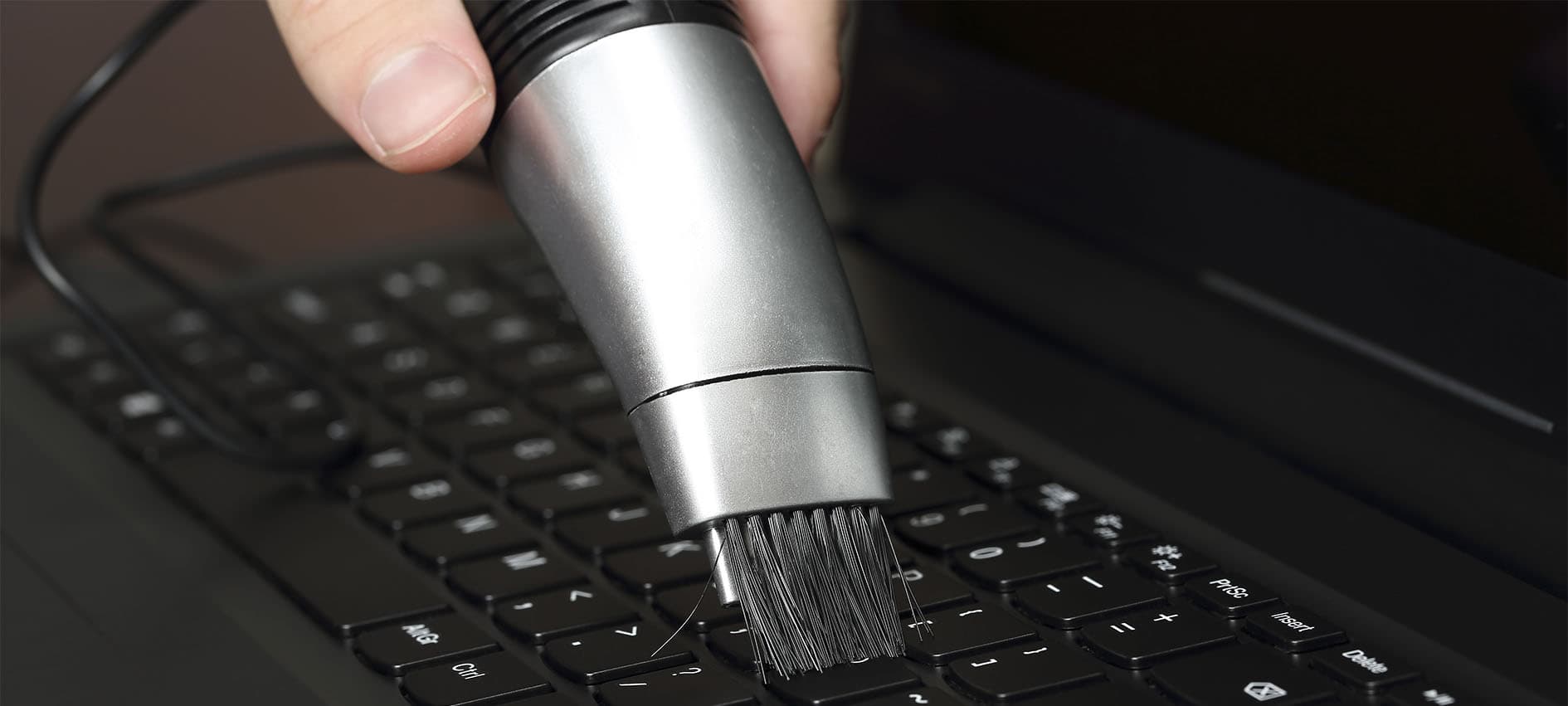
First, you need to make sure you shut down your laptop to avoid damaging it during the cleaning process. Now you can unplug your laptop, turn it upside down, and shake it gently to dislodge most of the debris. You can then use a crevice tool or a narrow brush to clean in between the keys.
2. USE COMPRESSED AIR
If you want a deeper clean, you can continue to hold your laptop upside-down and use a can of compressed air to spray a short blast to get any remaining dirt and dust out. If you run into stubborn debris that won’t come out, you can remove it with a toothpick or similar item.
3. AVOID LIQUID CLEANERS
Because your laptop keyboard is directly connected to the hardware itself, you shouldn’t use any liquids, like rubbing alcohol or soapy water, on the surface. Instead, use a cotton swab or lint-free cloth dabbed in isopropyl alcohol to carefully clean the keyboard. You should then dry it completely to avoid any damage.

HP
No Comments found for this post !
You may also like
No popular post found !
How to clean Monitors?
0 Comments 01/07/2023 15Cosmetic damage on the casing is one thing, but if...
Peripheral Maintenance and Tips
0 Comments 01/07/2023 9In this article, we'll provide maintenance tips an...

The Essential Guide to Keyboards
0 Comments 01/07/2023 153Keyboards are the primary input devices for most c...
Mastering the Art of Mice
0 Comments 01/07/2023 77A reliable and comfortable mouse can significantly...




















Leave a comment